Features

One tool. Plenty of ways to use it.

Use Floralyst for a single task or connect everything across an entire project.
Use one feature or all twelve
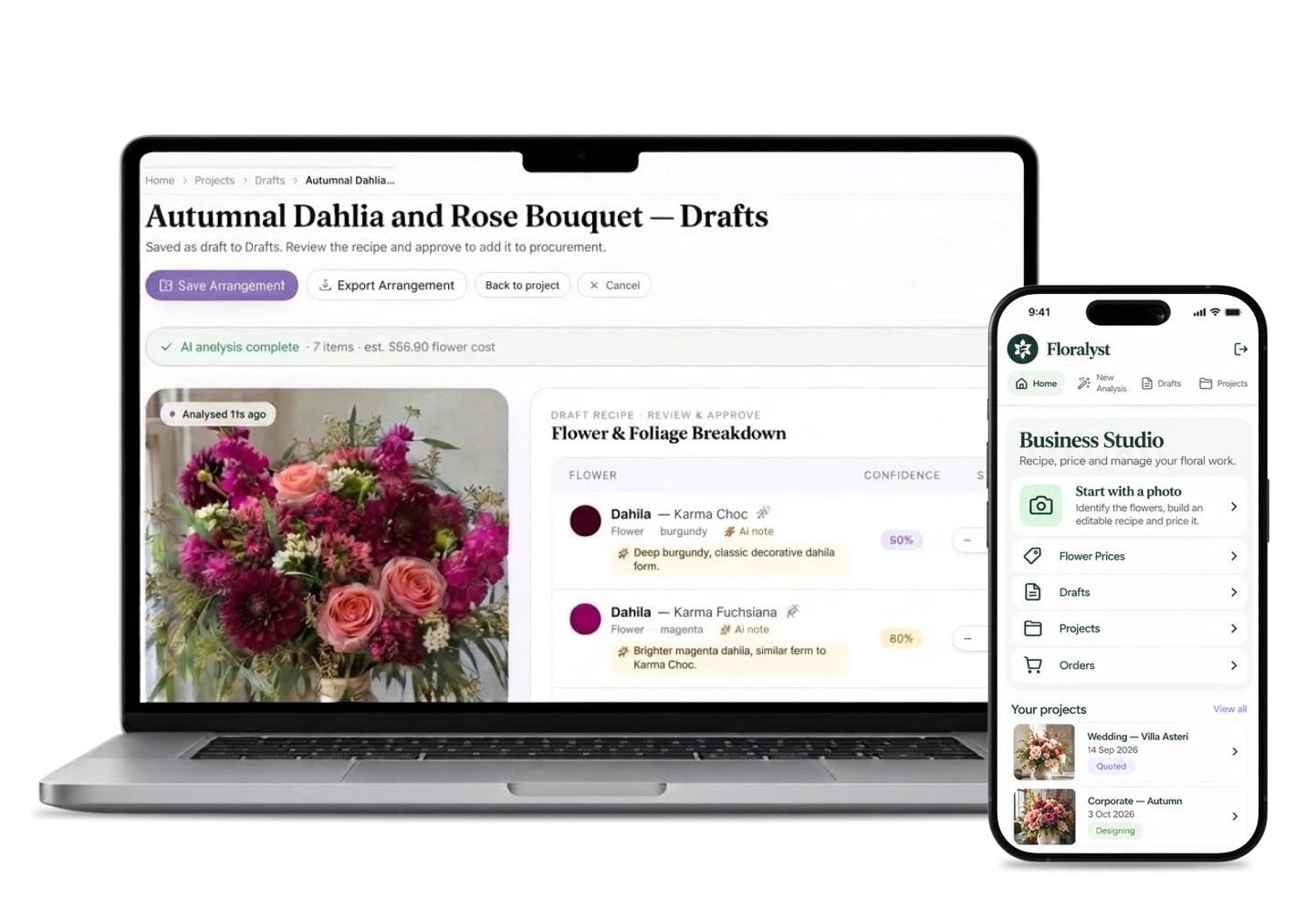
Floralyst on a laptop and iPhone: a bouquet photo turned into a draft recipe, and the Business Studio menu

Two ways to work

Use one feature. Or connect them all.

Tackle a single task on its own, or let every step flow into the next, from the first image to the final order.

Option A

Standalone

Tackle a single task - recipes, pricing, projects or orders.

  • Recipes
  • Pricing
  • Projects
  • Orders
Option B

End to end

Chain it together: image to recipe to price to project to one consolidated order.

  1. Image
  2. Recipe
  3. Price
  4. Project
  5. Order

Image & recipe · 01 – 03

Start from an image, or start from scratch.

  1. 01

    Analyse an inspiration image

    Upload a floral image and get a starting point for the flowers, varieties and estimated stem quantities you can review and refine.

  2. 02

    Build a floral recipe

    Create and edit recipes manually or use image analysis to do the groundwork for you.

  3. 03

    Identify flowers

    Use an image to help identify flowers and varieties without needing to build a full project.
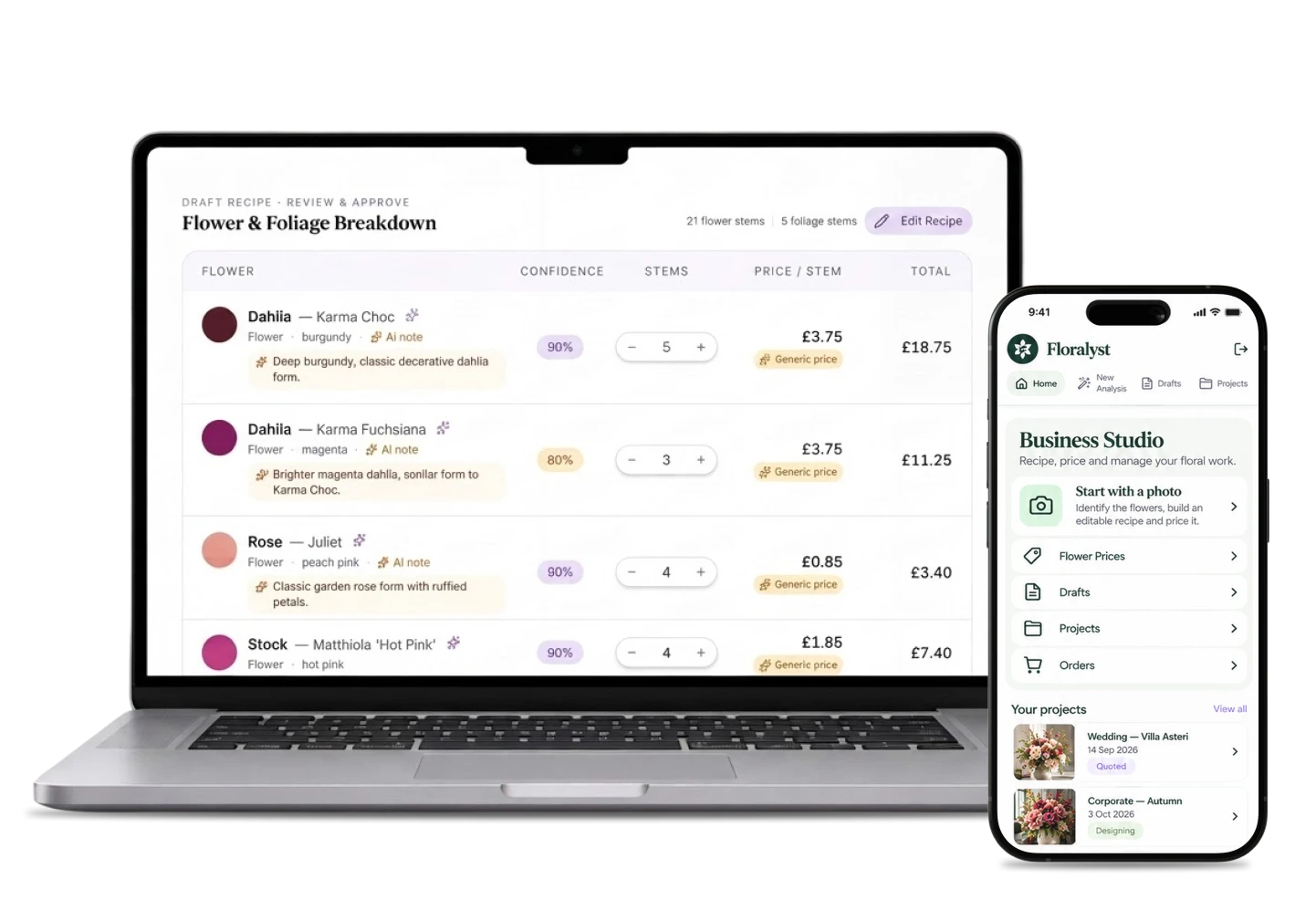
Floralyst on a laptop and iPhone: the Flower & Foliage Breakdown with stems, confidence and prices
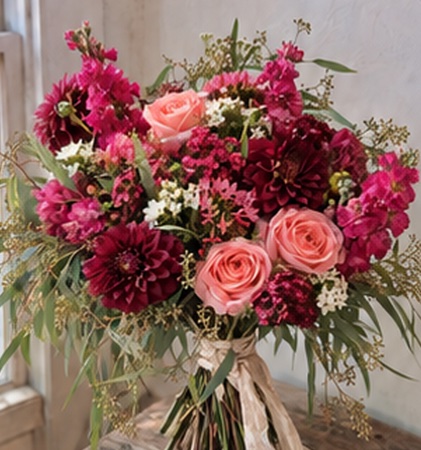
Inspiration photo: a bouquet of deep red dahlias and peach roses
Your photo

Cost & price · 04 – 06

Know the cost. Set the price. See the margin.

Cost a single arrangement without touching anything else in Floralyst — or let the numbers roll up into a full project.

  1. 04

    Cost an arrangement

    Bring flowers, sundries, labour, hire and delivery together to understand what an arrangement actually costs.

  2. 05

    Set your selling price

    Apply your own flower markup and pricing approach while keeping control of the final retail price.

  3. 06

    Check your profit

    See estimated cost, selling price and margin before you commit to a design.
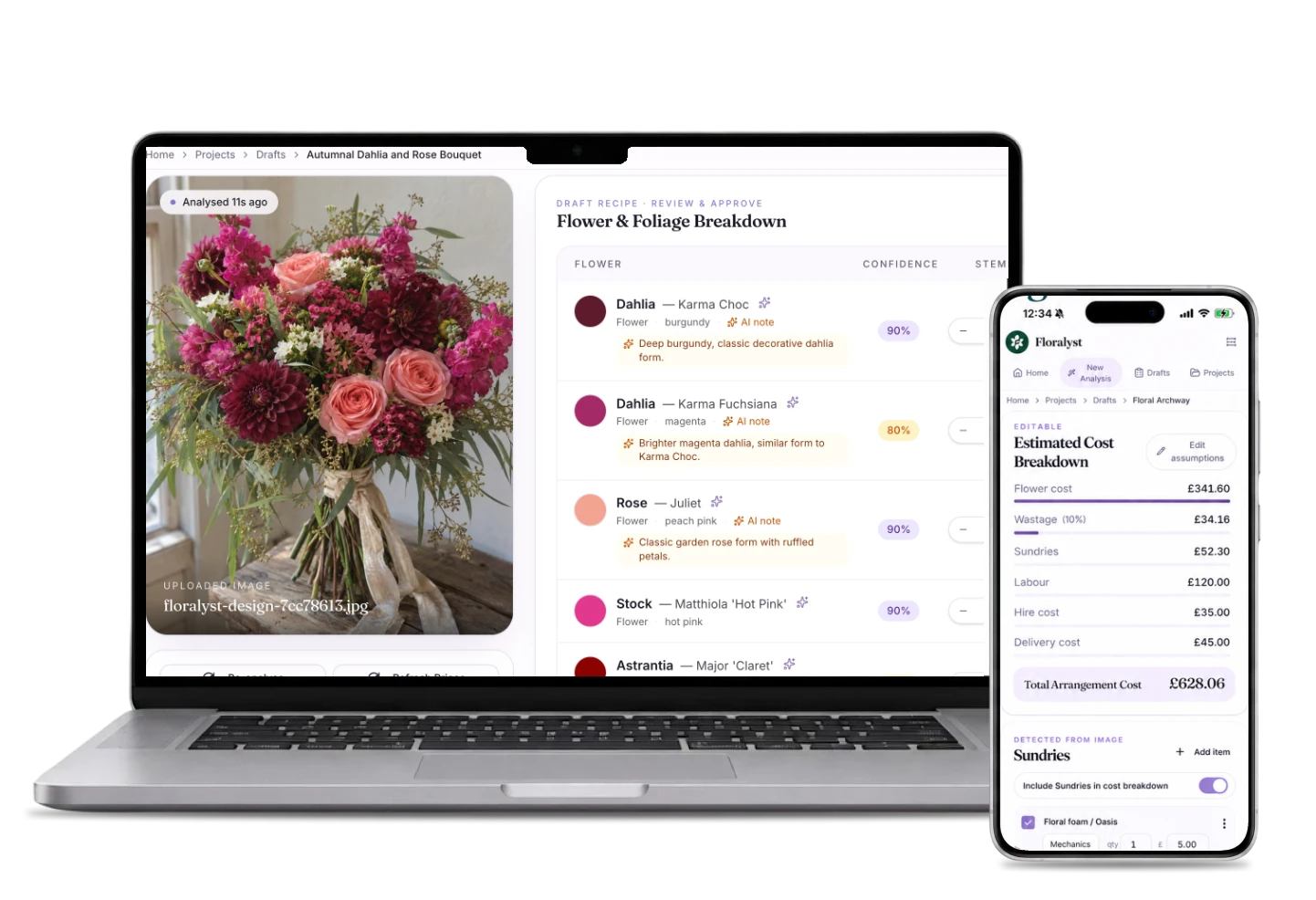
Floralyst on a laptop and iPhone: stem prices in the recipe and the Estimated Cost Breakdown with flower cost, wastage, sundries, labour, hire and delivery

Projects & orders · 07 – 09

When you do want the whole event in one place.

  1. 07

    Work to a client budget

    Build and adjust designs while keeping sight of the overall project budget and additional project costs.

  2. 08

    Build a complete project

    Bring multiple arrangements together, set quantities and see the commercial picture across the whole event.

  3. 09

    Create one consolidated order

    Turn all the recipes in a project into one combined requirement for flowers, foliage and sundries.
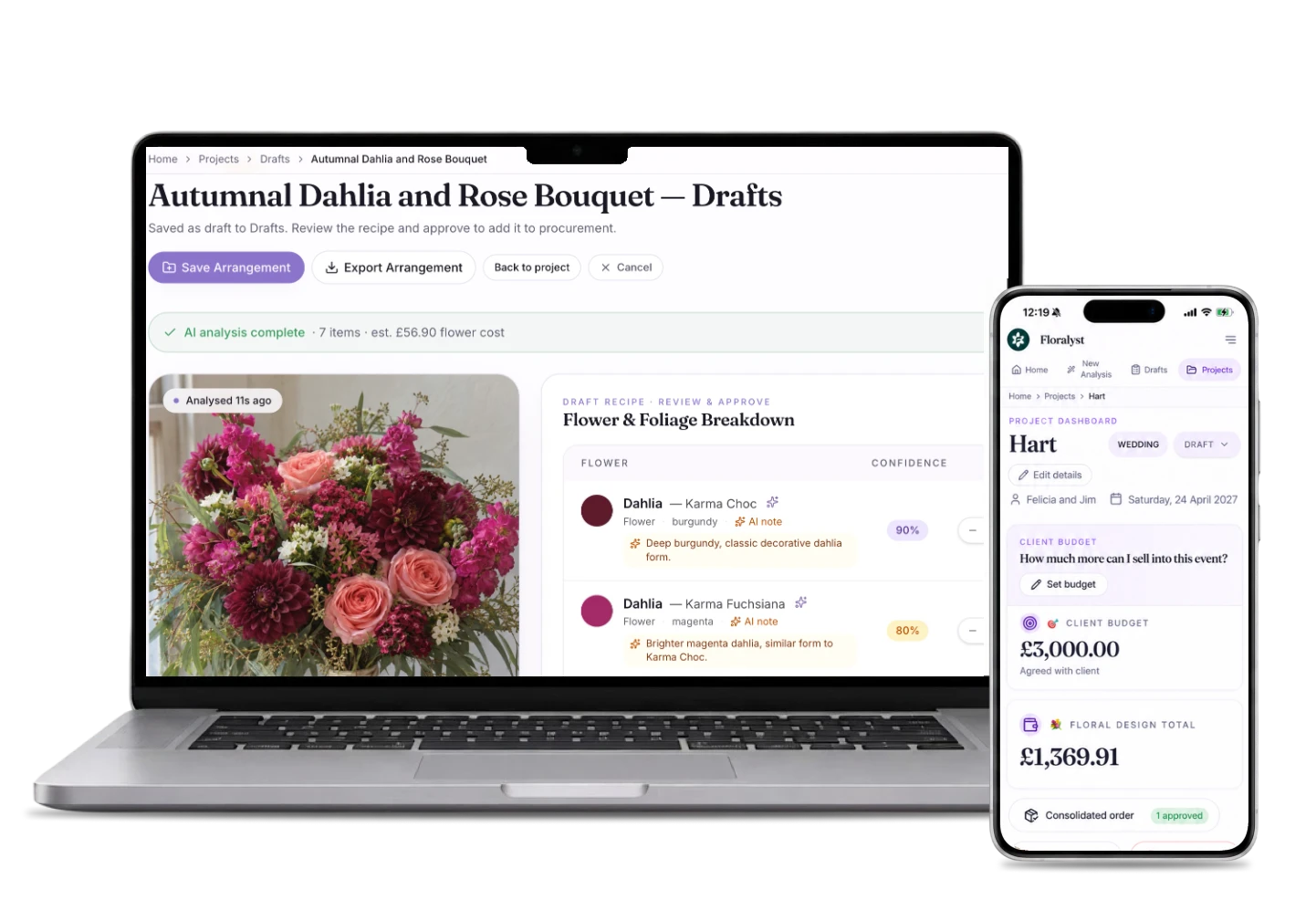
Floralyst on a laptop and iPhone: an arrangement saved to its project, and the Hart wedding project with client budget and floral design total

Prices, reuse & export · 10 – 12

Your prices, your past work, your files.

The quiet features that make everything else faster the second time around.

  1. 10

    Maintain your flower prices

    Build your own working price catalogue so your costing reflects the prices you actually pay.

  2. 11

    Reuse previous work

    Leverage your past designs or templates instead of recreating every new project from scratch.

  3. 12

    Export your work

    Take recipes, project details and consolidated orders into Excel when you want to work outside Floralyst.
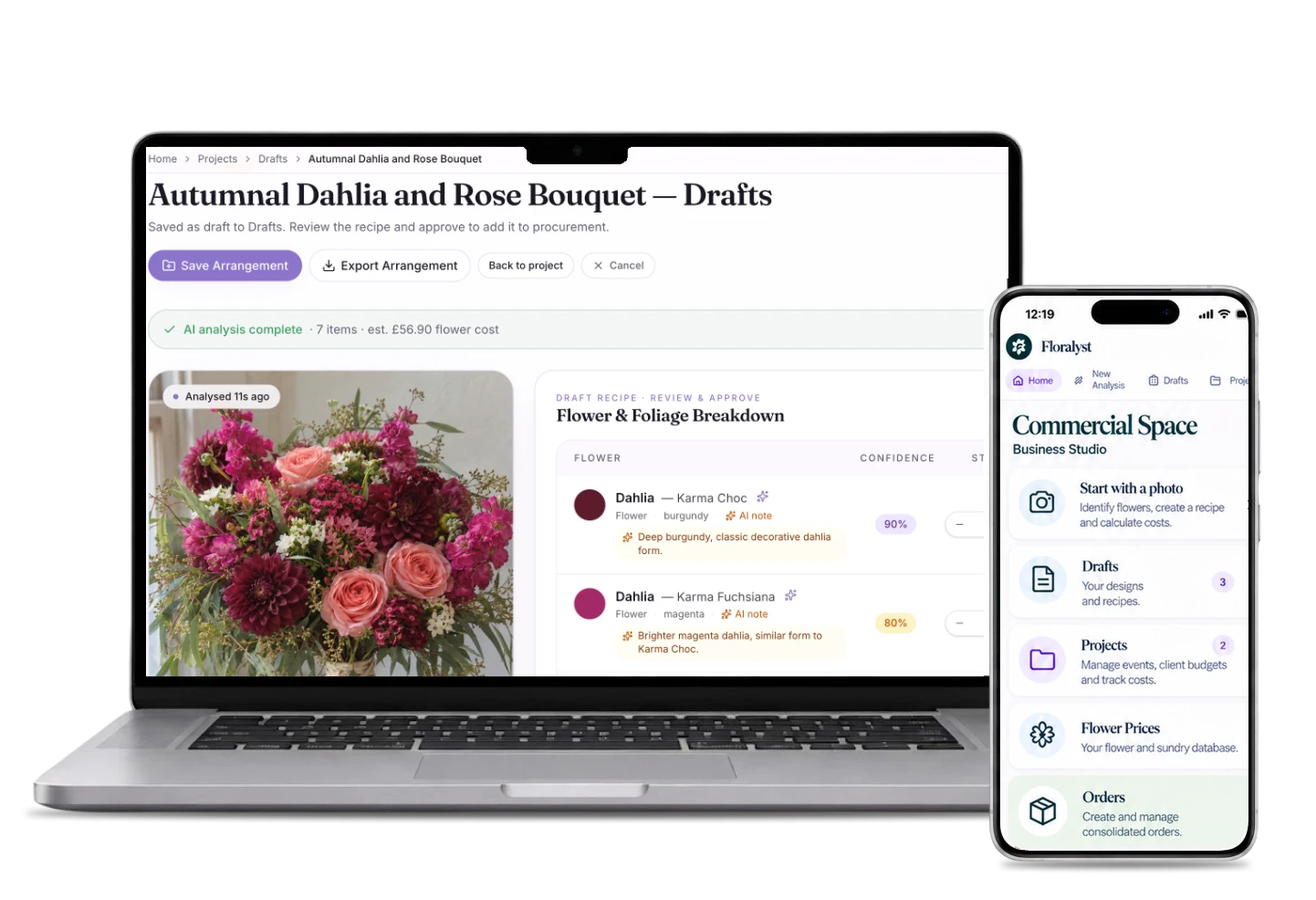
Floralyst on a laptop and iPhone: a bouquet saved to Drafts, and the Drafts, Projects and Flower Prices menu

Ready when you are

The difference between a hobby and a business isn’t talent. It’s profit.

Your margins will notice before your clients do.
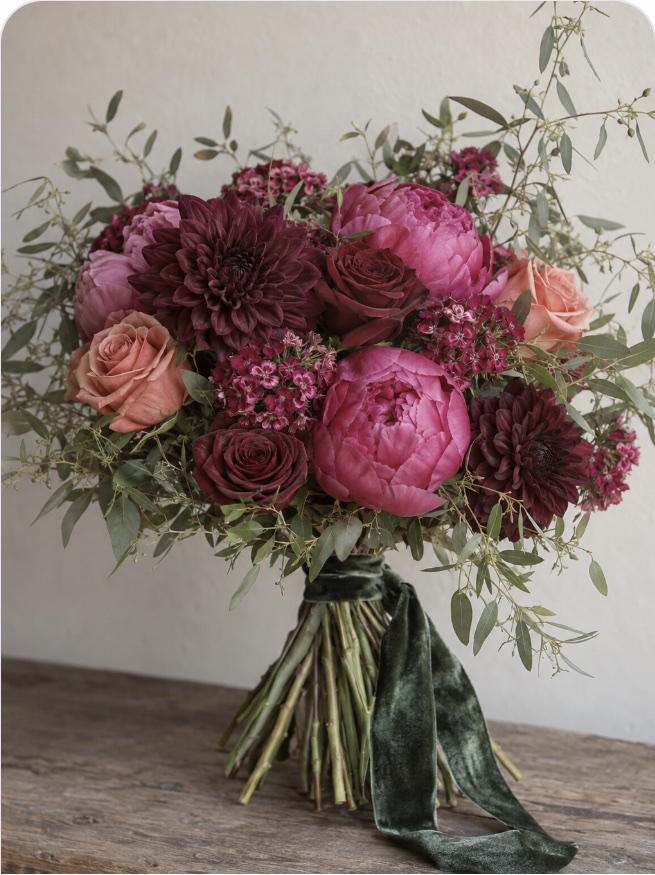
A burgundy dahlia, peony and rose bouquet with a green velvet ribbon