FAQ
Your questions about Floralyst, answered.
Floralyst helps you bring floral ideas to life. Flower Studio is for anyone who wants to create and develop floral designs. For professional florists, Business Studio helps manage flower recipes, costs, pricing and projects. Choose either studio, or use both with Floralyst Complete.
No. You might be planning your wedding, imagining flowers for your home or designing for clients. Flower Studio helps you turn what’s in your head into something you can see and share. Business Studio is designed for the practical needs of professional florists and floral businesses.
Flower Studio is for anyone who wants to bring a floral idea to life, whether for their own wedding, their home or a client. Create a design, try different flowers or colours, and develop the details.
Business Studio is built for professional florists running a business. Use your flower costs and pricing settings to build recipes, prepare quotes and organise projects — helping you cover your costs, protect your profit and spend less time on admin.
No. Each works on its own. Choose Flower Studio if you want to create and explore designs, Business Studio if you’re a florist looking for help with recipes, pricing and projects, or Floralyst Complete if you want both.
Not at all. Flower Studio gives beginners and floristry students space to try ideas, explore colours and styles, and build a portfolio of design concepts. Its feedback option helps you understand what works in a design and what you could improve.
For those training to work professionally or starting a floral business, Business Studio helps with the numbers that can be harder to get to grips with: keeping flower recipes organised, accounting for costs and working out what to charge. It supports your learning alongside your studies and hands-on practice.
You could. Flower Studio uses specialist image-generation technology tailored to floral design, helping you create more realistic floral images with less trial and error.
You also have your own creative workspace to save ideas, explore variations, get design feedback and build a portfolio. Return to a design and develop it further without starting over each time — giving you a more reliable, reusable starting point for your next creation.
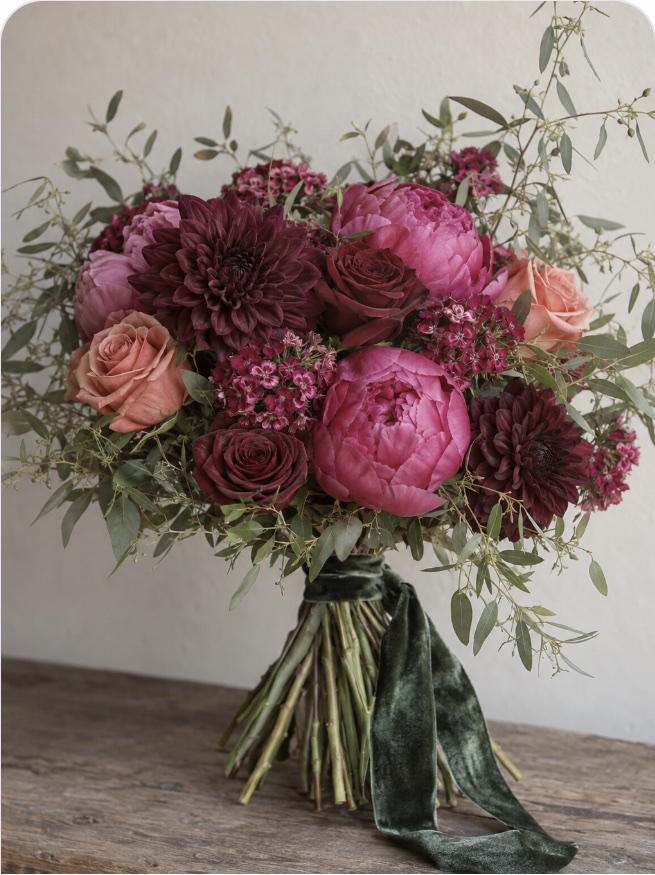
Bouquets, table arrangements, event flowers and floral designs for styled spaces. Describe an idea or start with an existing image. You can also develop complementary arrangements from a design you love, helping you carry a look across a whole event.
Yes. Try another colour palette, change the flowers, explore a different vase or see the arrangement in another setting. You can compare directions before spending money on flowers or committing to a final design.
Yes. Instead of trying to explain your vision using a collection of pictures that are almost right, develop an image that brings your own ideas together. Show your florist the colours, shapes and overall look you have in mind, then work together on what suits your budget and season.
Yes. Help a client see the idea you’re describing, explore alternatives and agree on a clearer direction before you make the arrangement. It’s particularly useful when a client finds it hard to picture how different flowers or colours will work together.
No. You can create designs and show them to your florist or clients without asking them to join or pay for Floralyst. It helps you communicate your ideas without adding another requirement for someone else.
Think of the image as a shared visual brief. Real flowers vary, and the finished design will depend on the season, availability, budget and how it is made. The image helps you agree on the direction; your florist brings the practical knowledge to make it work.
A supplied recipe tells you what to make. Your own costs determine what you earn.
Business Studio helps you check those recipes against what you actually pay for flowers and sundries. Upload the design image, review and adjust the suggested recipe to match the supplied instructions, then save it using your own price book.
As you update your costs, you can see how the margin changes — helping you spot when an order leaves you less profit than expected. Reuse your saved recipes to keep checking, without repeating the calculations by hand.
Your experience still does the important work. Business Studio helps with the repeated work around it: finding an old recipe, updating flower prices, recalculating costs and adding up what you need for an event.
Save a recipe once, reuse it for your next enquiry and keep your pricing in one place. Less rewriting and searching through notes, with more time for the flowers.
Business Studio helps professional florists price a single arrangement, plan a whole event against a budget or update pricing across a portfolio of designs.
Start with a floral image to generate a suggested flower recipe, then review the flowers and quantities and apply your own costs and pricing settings. Bring several designs together in a project to see how your plans fit the event budget and where adjustments may be needed.
Save your recipes and reuse them for future enquiries. When flower costs change, you can reprice existing designs using your central price book instead of working everything out again.
These are tasks you’re probably already doing manually. Business Studio helps automate the calculations and makes the process easier to repeat — reducing admin while keeping you in control of the decisions.
It helps calculate a price using your recipe, costs and pricing settings. You stay in control of what you charge, with the flexibility to adjust pricing for an individual order or across a project or event.
The benefit is seeing the numbers behind your price, so you can make a decision based on your costs rather than guesswork.
Yes. Business Studio automatically includes suggested sundries alongside your flowers, helping you account for the extras that are easy to overlook. Add or remove items to match how you’ll make the design, enter your costs and decide what to charge for them. You stay in control of what’s included and how it’s priced.
Yes. Your saved recipes work with a central price book, so you don’t have to rebuild each arrangement whenever costs change. Use updated prices for a fresh estimate, or enter actual costs once an order is placed.
That makes a previous design a useful starting point for the next enquiry.
Yes. Keep the bouquets, table arrangements and other designs together in one project, making it easier to see the whole event and manage it against the budget.
With Pro or Floralyst Complete, you can also combine flower requirements across those designs into one ordering list, reducing the work of adding everything up separately.
They’re a starting point for you to check, rather than a guaranteed shopping list. A photograph can hide stems or make similar flowers difficult to tell apart. You can change the varieties and quantities to reflect how you would actually make the arrangement.
Yes. You can work with supported currencies and tax settings to suit your business, so your costing and pricing reflect the way you trade.
Choose £7.99 one-off for 10 images, with no subscription required, or £14.99 a month for 100 images per billing cycle. Both include Invent, Adapt, Refine and Extend.
Floralyst Complete is £24.99 a month for everything in Business Studio Pro, plus Flower Studio with 100 images per billing cycle.
Yes. You can upgrade or downgrade anytime. Changes apply immediately.
You’ll be notified in-app. You can free up space, upgrade your plan, or archive past projects.
Yes. Cancel anytime and you’ll keep access until the end of your billing period.
Ready when you are
Your margins will notice before your clients do.